
Document Each Transaction
Record payment amounts, dates, customer information, services, merchandise and other transaction details in one organized form.
Shop custom receipt books, sales books and receipts personalized with your business information Available in carbonless duplicate, triplicate and four-part options; spiral-bound books, traditional books, pads or stapled formats.
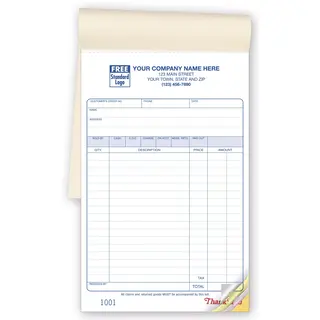
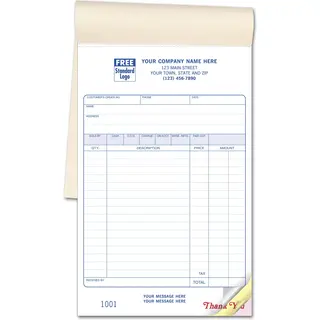
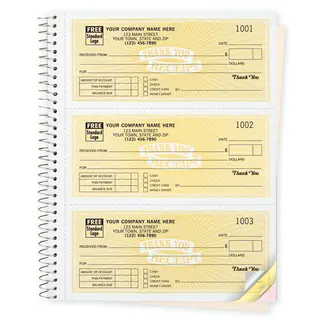
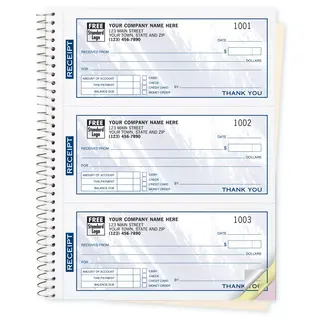
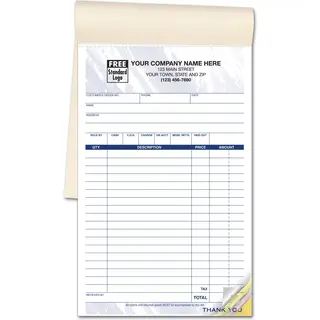
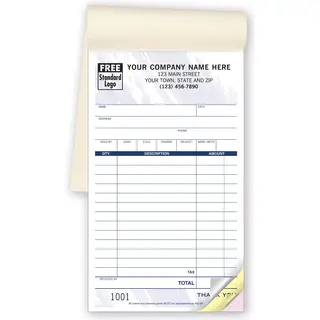
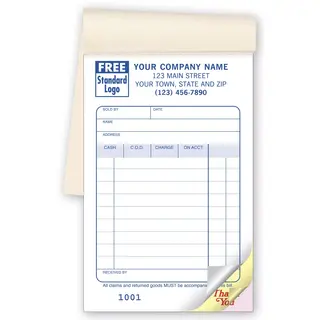
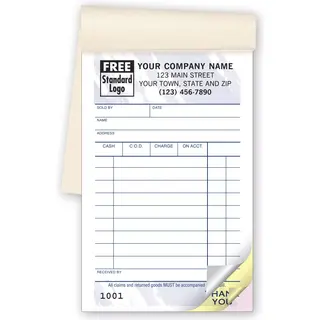
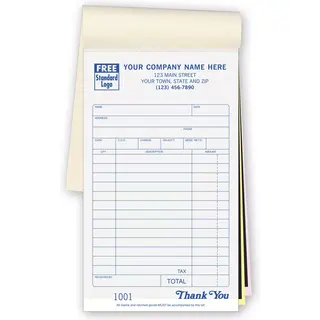
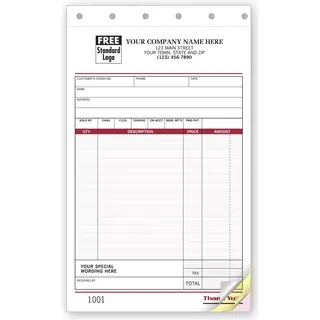
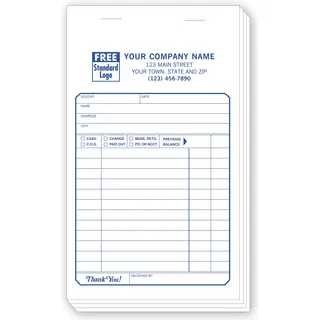
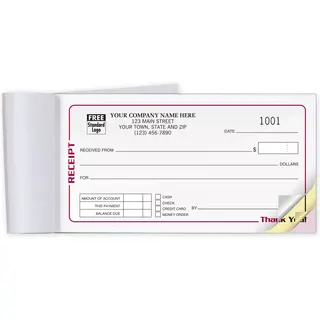
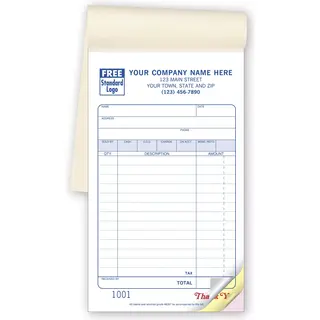
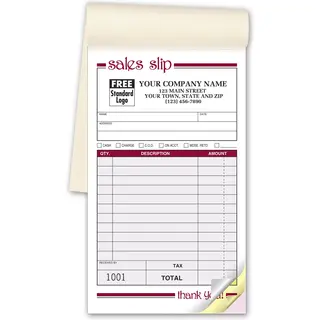
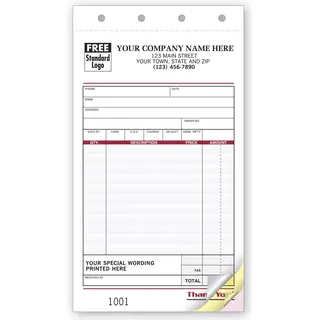
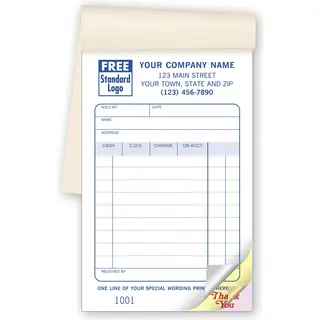
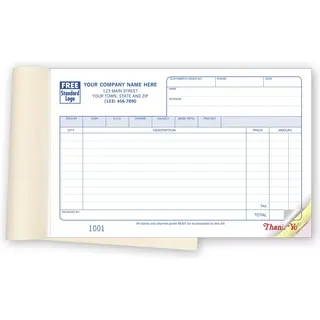
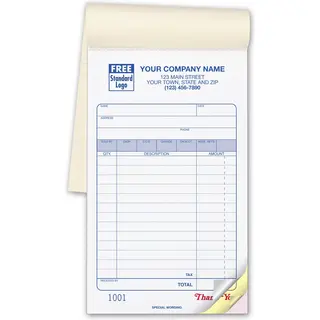
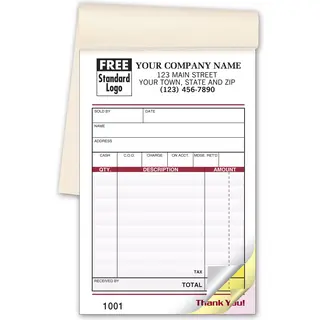
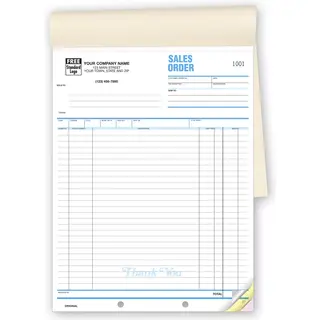
Personalized receipt books provide customers with a written record of payment while helping your business document sales, services, donations and other transactions.
Choose from compact receipt slips, larger sales receipts, books or pads in a variety of sizes and copy formats. Add your company information and select the layout that best reflects how your team records and processes transactions.
Record payment amounts, dates, customer information, services, merchandise and other transaction details in one organized form.
Give customers a clear receipt while retaining one or more copies for accounting, filing or internal follow-up.
Standardized fields make it easier for employees to collect the same important information during every transaction.
Preprinted business details give each receipt a consistent, professional appearance and help customers identify your organization.
Selecting a receipt book typically begins with four practical considerations: the size, book or pad format, number of copies and the information that must be recorded during each transaction.
Consider where they will be completed, how much writing space employees need and whether customers, accounting staff or other departments require separate copies.
Once those requirements are established, you can compare binding styles, page layouts, paper types, numbering and personalization options.
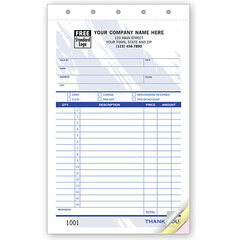
Compact receipts work well for simple payments, while larger ones provide more room for item descriptions, quantities, pricing, taxes, signatures and terms.
Choose an original-only, duplicate, triplicate or four-part format based on how many people or departments need a record.
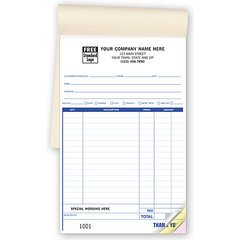
Bound books keep forms together, pads allow sheets to be removed easily, and single sets provide another organized option for repeated use.
Carbonless forms transfer writing between copies without loose carbon sheets, while traditional carbon-copy products use carbon paper to reproduce entries.
Spiral binding allows pages to turn easily and helps the book remain open while receipts are being completed.
This format is useful at counters, desks and other work areas where employees complete receipts throughout the day.
Traditional bound or stapled books keep receipt sets together in a compact format that is easy to store or carry.
Those books include a protective cover that serves as a writing shield. It can be placed beneath the active set while writing.
Padded receipts are glued together along one edge so completed sets can be removed individually.
Pads are convenient when receipts need to be distributed, filed or used at multiple workstations.
The correct copy format depends on how each transaction is documented within your organization. A simple transaction may require only a customer copy and one business record, while more complex workflows may require copies for accounting, sales, service or another department.
Before ordering, determine who receives each copy and how long the retained records must be stored.
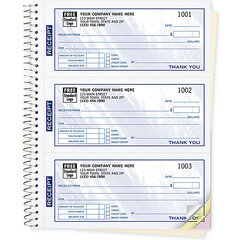
Some receipt books place several individual receipts on each page. Three-to-a-page or four-to-a-page layouts can be an efficient choice when each transaction requires only a limited amount of information.
These compact formats may be useful for admission payments, donations, deliveries, service calls, club dues, deposits and other transactions that do not require a full-page receipt.
Record the customer or donor name, company, address, phone number or account information when required.
Document the date, products, services, quantities, descriptions, prices, discounts, taxes and total amount.
Identify the payment method, amount received, remaining balance, deposit or other relevant payment details.
Include employee initials, customer signatures, approval fields or acknowledgment text when appropriate.
Printed receipt books are useful anywhere payments or transactions must be documented without relying exclusively on a computerized point-of-sale system.
They can serve as a primary receipt method or as a practical backup when employees are working away from the office, systems are unavailable or a handwritten record is preferred.
Select a compact receipt or a larger one based on the amount of information you need to record.
Compare spiral-bound books, traditional books, pads and slips for the way your staff works.
Determine whether you need an original only, duplicate, triplicate or four-part receipt.
Add your business information and review all printed details carefully before submitting the order.